Home / Wallet and top-up
Electronic walletElectronic wallet for each pupil, topped up by transfer or online payment
The wallet is the pupil's account. It pays for meals, photocopies and school invoices, and each movement stays on record. Parents or legal guardians top it up by transfer with a structured payment reference, or online, from the portal.
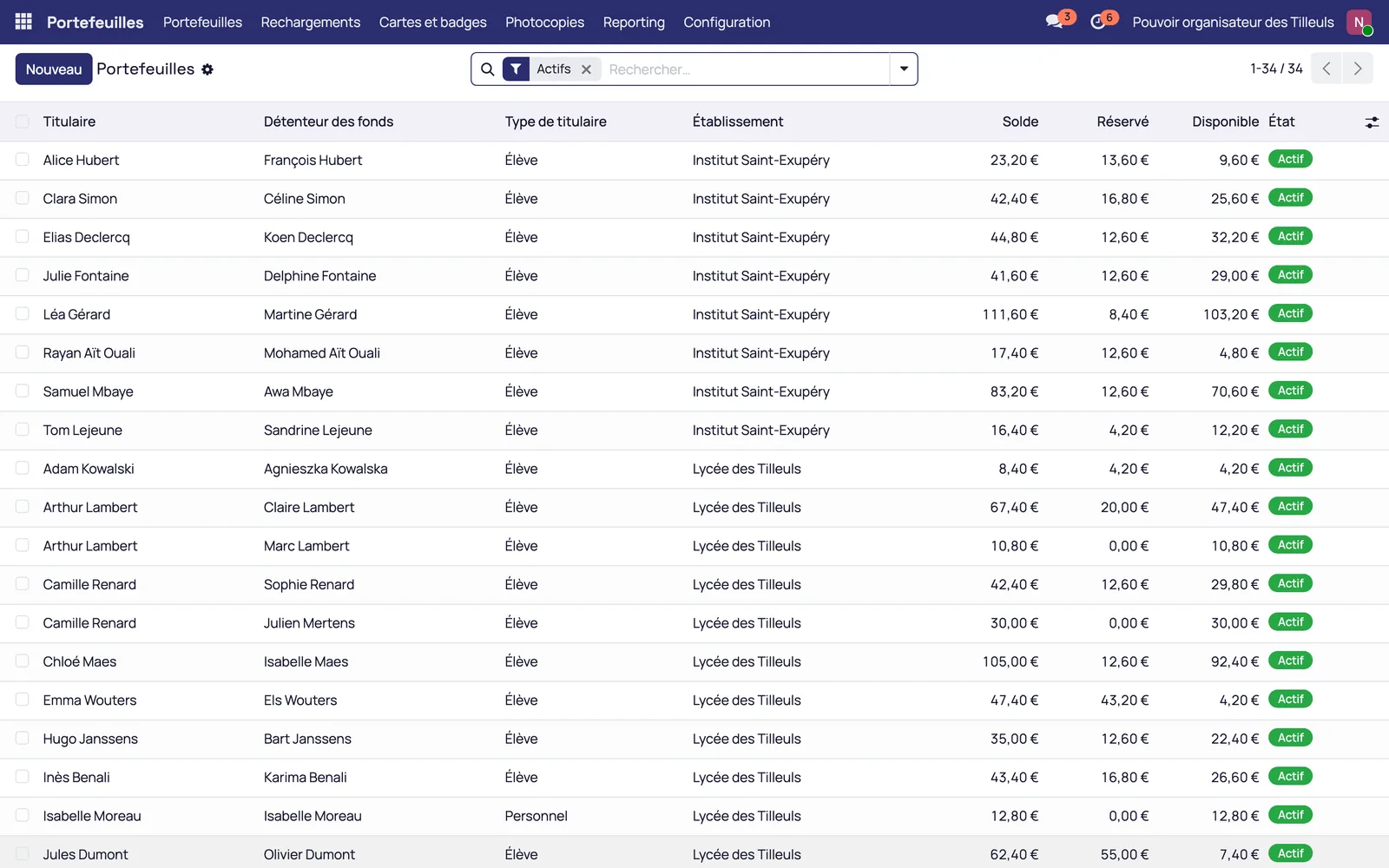
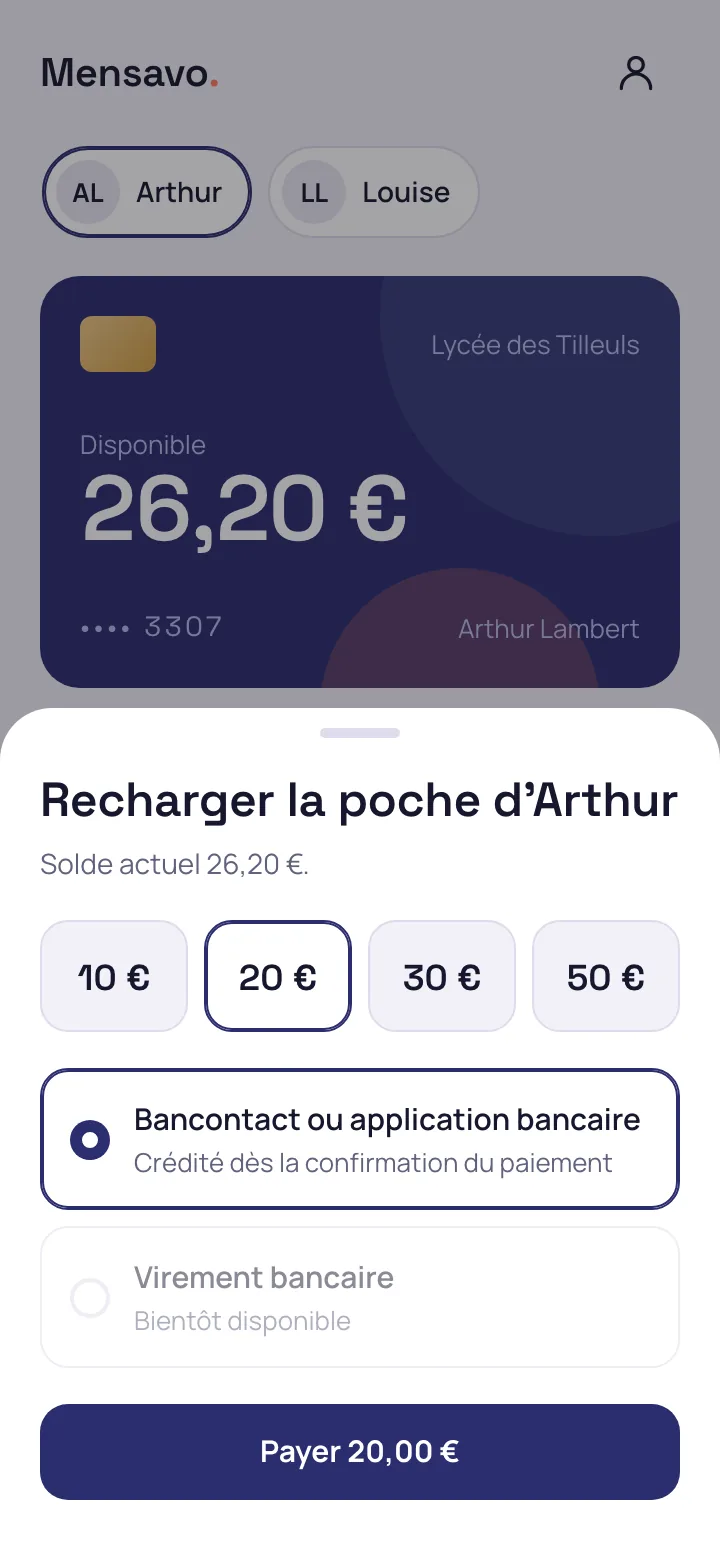
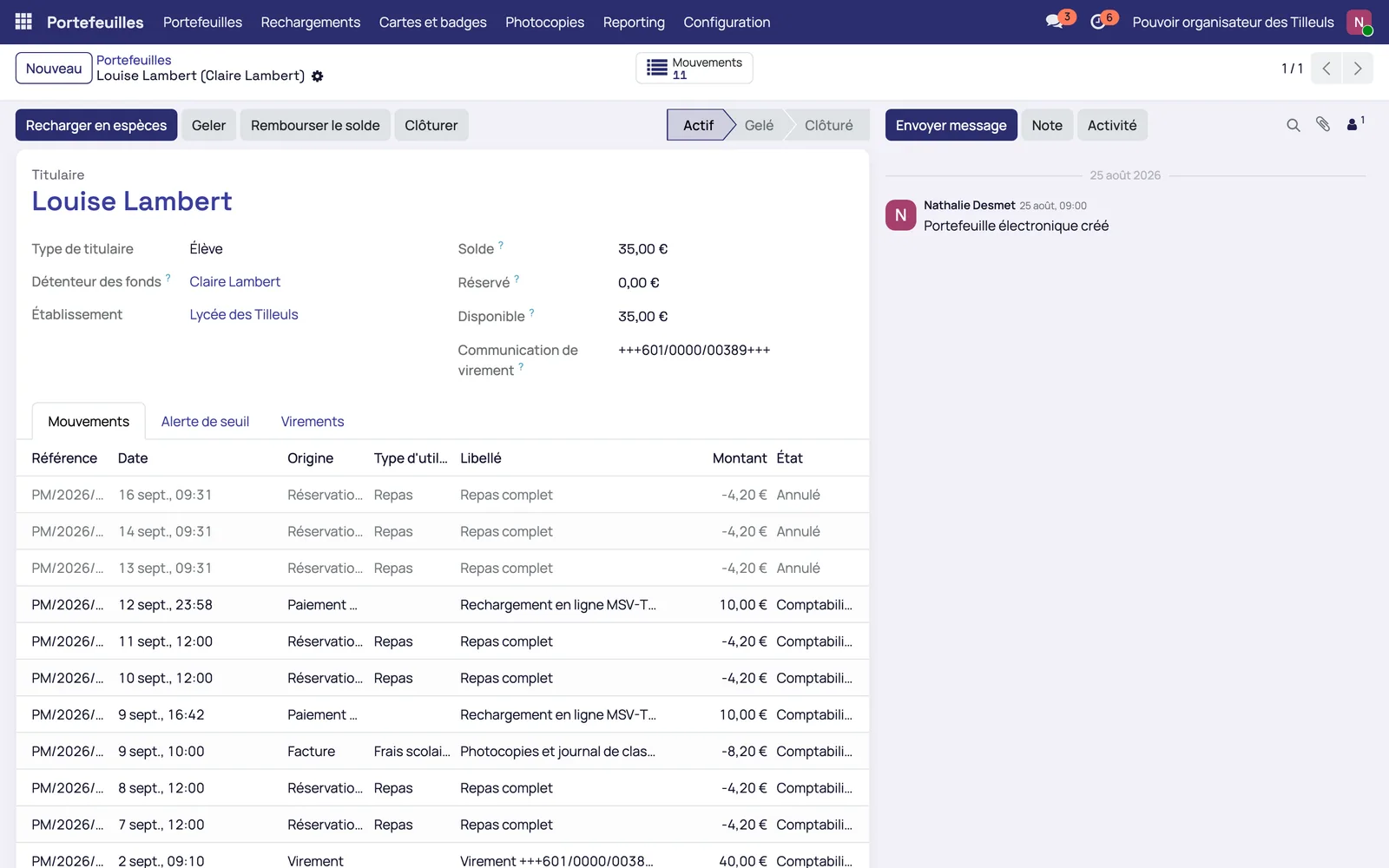
One balance per pupil, one sub-wallet per parent or legal guardian
Each pupil has an account, and each parent or legal guardian can have their own sub-wallet
When parents are separated, each one tops up their own sub-wallet for the same child and sees neither the top-ups nor the other's payment methods. The school decides which sub-wallet each purchase is debited from.
- Balance available to parents and legal guardians at any time
- Limited authorised overdraft, set by type of use
- Alert to the parent when the balance falls below a threshold set by the school
- History of each top-up and each debit
Three ways to top up, all recorded
The transfer carries a structured payment reference specific to the pupil
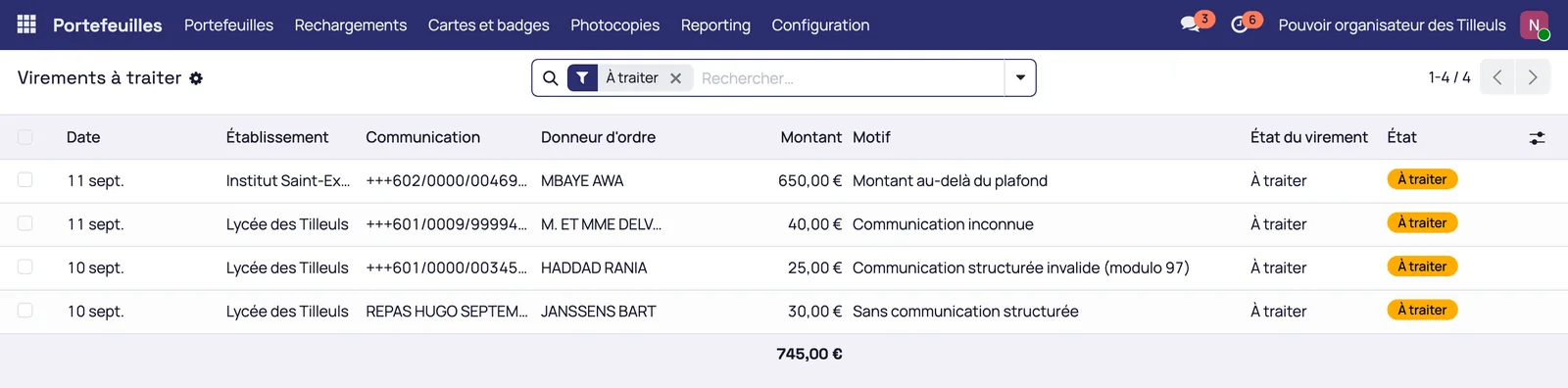
The structured payment reference is checked with its modulo check and carried over unchanged in the bank statement. When the statement is imported, the transfer credits the right wallet without re-keying. There is no approximate matching on the payer's name, which could credit the wrong child in a family with several children.
A transfer without a reference, with an invalid reference or above the limit goes to the list of transfers to process.
An online payment credits the sub-wallet as soon as it is confirmed
From the portal, the parent or legal guardian chooses an amount and pays online. The payment goes through the payment service provider with which the school or governing body has signed: Mensavo handles the integration, not the collection.
Cash payment at the school office is still possible
The bursar credits the wallet by hand. The operation is recorded in the same way as a transfer and appears in the history the family sees.
The card identifies the pupil, the balance stays on the wallet
Scanning the card debits the wallet at the till and at the copier
The RFID card is only an identification key. In the canteen as at the copier, scanning debits the wallet. A replacement card gets back the same balance.
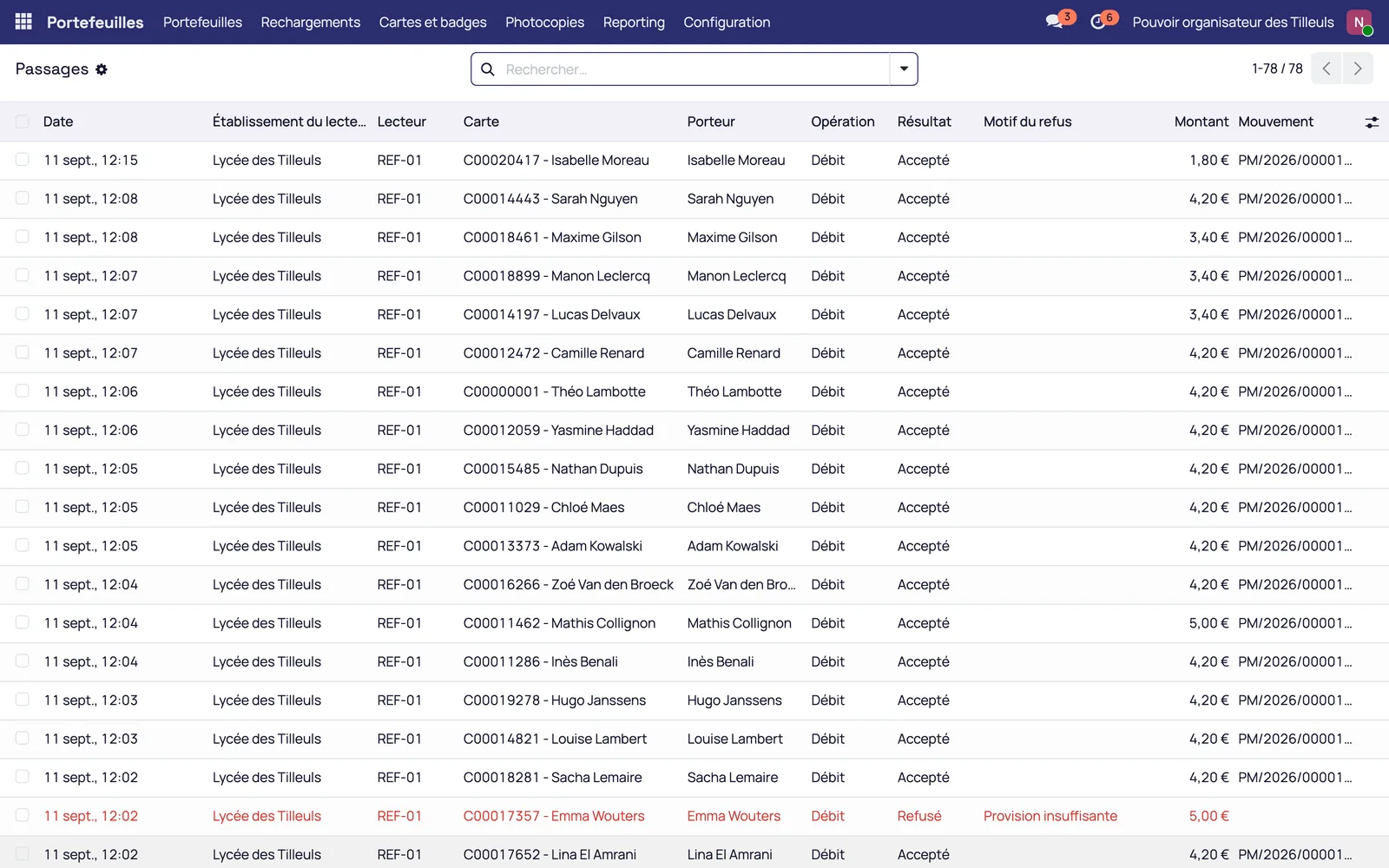
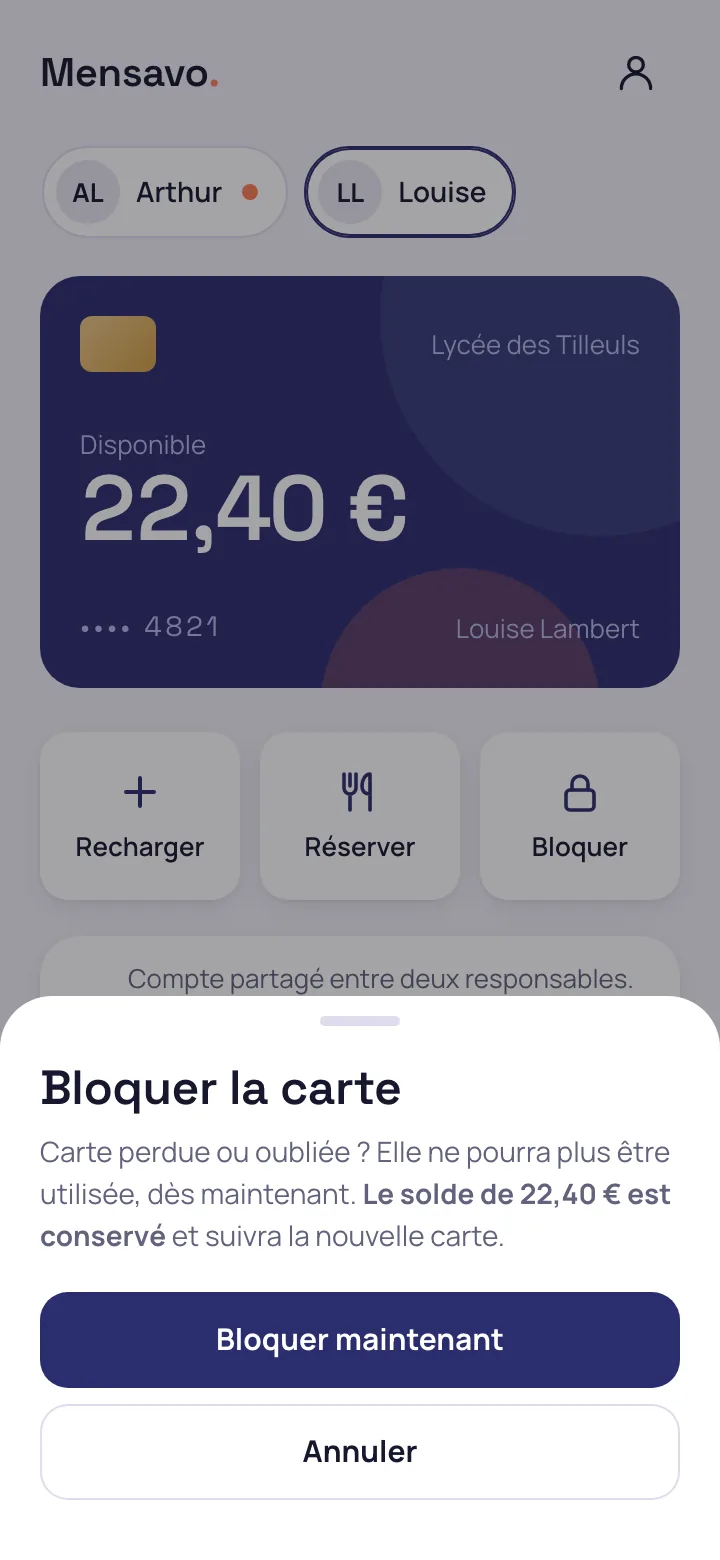
A lost card is blocked straight away, by the bursar's office or by the parent
The block is taken into account by the tills as soon as it is set. The parent can block the card from the portal, and the balance is kept.
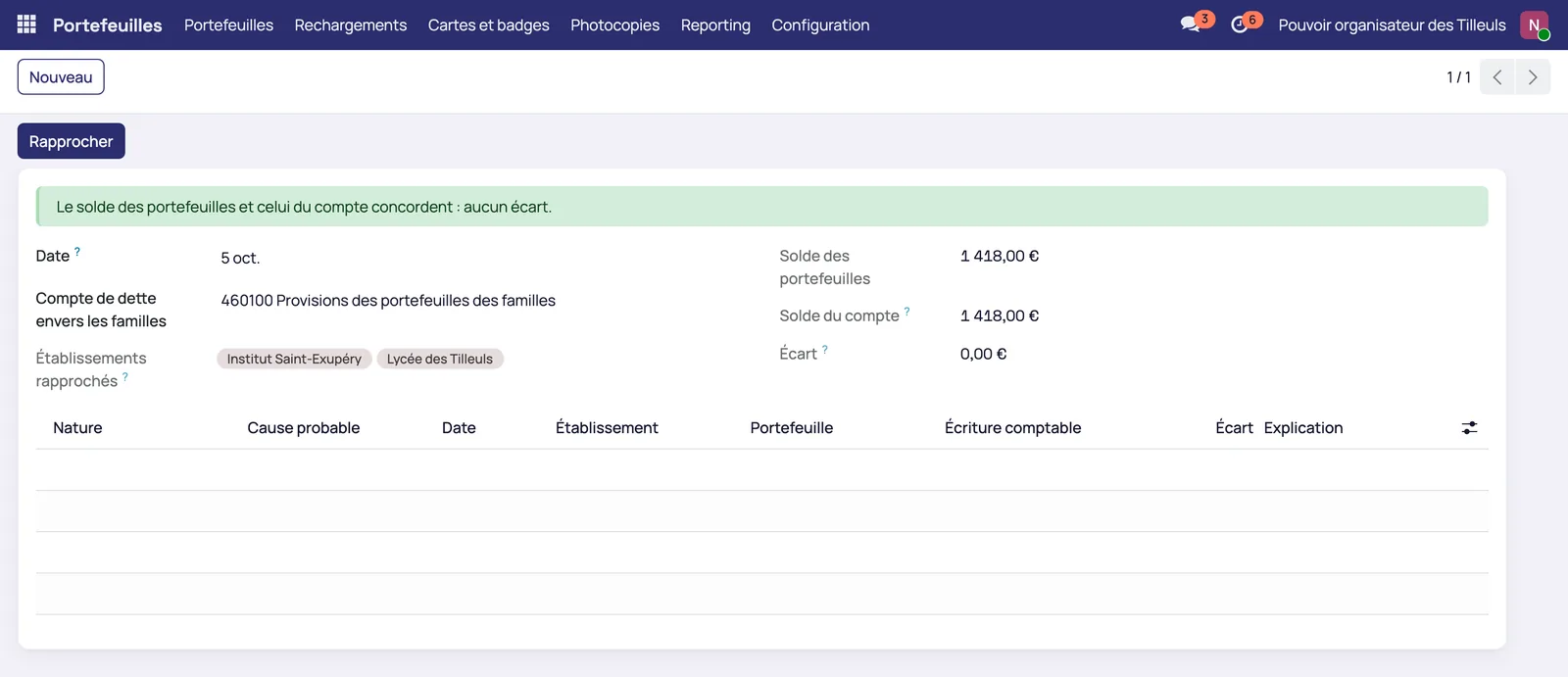
The wallet is a provision for as long as the child has not spent it
The money topped up still belongs to the family. Mensavo records it as a provision and books it as income only when it is consumed. Wallet movements are exported with their accounting codes, in Excel or CSV. Administrative and accounting management
Request a Mensavo demo
About thirty minutes to see the wallet, the canteen, the invoicing and the families portal on the cases you choose.
Request a demo