Home / Pupil app
Pupil appThe pupil has their own login to check their account and book their meals
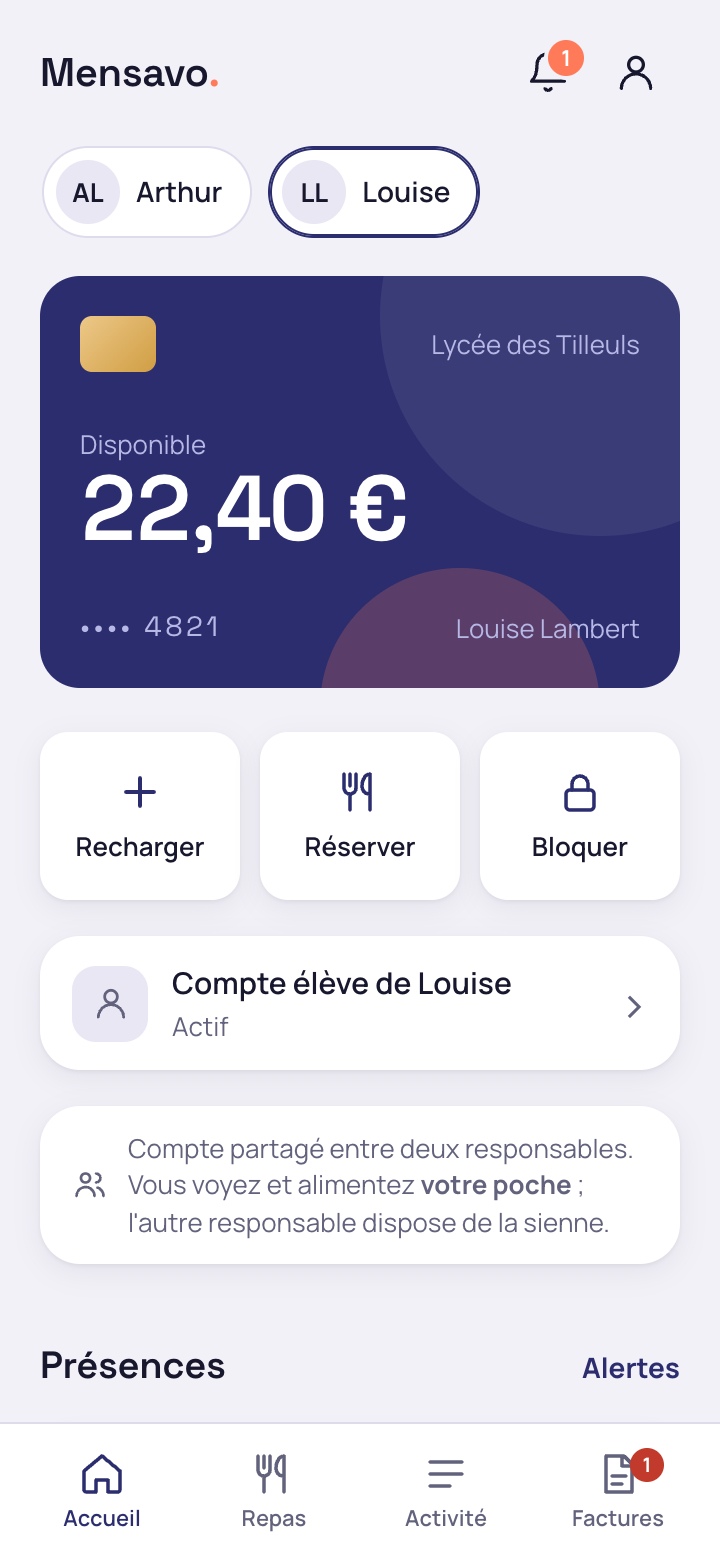
The school office creates an access separate from the parents'. The secondary pupil uses it to see their balance and history and to book their meals, within the limits each parent sets for their sub-wallet.
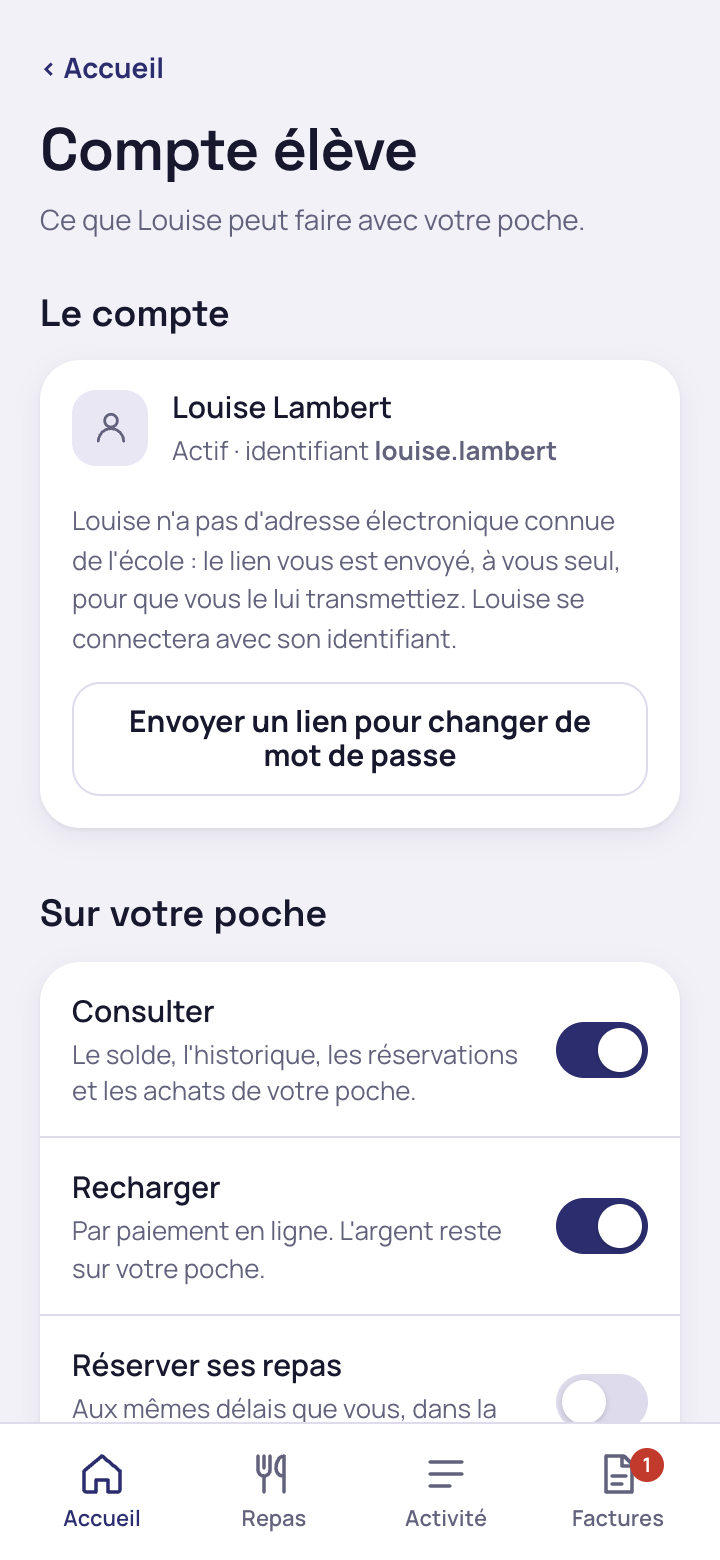
The parent chooses what the pupil can do with their sub-wallet
Three separate permissions, switched on one by one
View the balance, history, bookings and purchases; top up by online payment; book meals on the same deadlines as the parent, within the available amount. Each permission can be withdrawn as easily as it was granted.
One limit per top-up and one monthly limit
The school sets a maximum limit per top-up and per month. The parent can tighten it if they wish, never loosen it, and receives an email alert for each top-up made by the pupil.
- Pupil's own login, separate from the parents' login
- First-login link sent to the parent, who passes it on to the pupil
- No email address required for the pupil
The secondary pupil manages their meals without depending on a parent each day
The balance and history stay in front of the pupil
Available amount, amount reserved for meals and the detail of each movement: the pupil sees their sub-wallet without asking a parent where the account stands.
Meal booking follows the same deadlines as the parent's
Once the permission is granted, the pupil chooses their meals for the week up to the deadline set by the school, within the amount available in their sub-wallet.
Each parent sets their own permissions, without seeing the other's
When parents are separated, each has their own sub-wallet and alone decides what the pupil may do with it: one parent can allow meal booking while the other refuses, without either seeing the other's setting.
The school decides which sub-wallet each purchase by the pupil is debited from when several are available.
Request a Mensavo demo
About thirty minutes to see the wallet, the canteen, the invoicing and the families portal on the cases you choose.
Request a demo