Home / Families portal
Families portalThe families portal: balance, meals, invoices and school messages on the phone
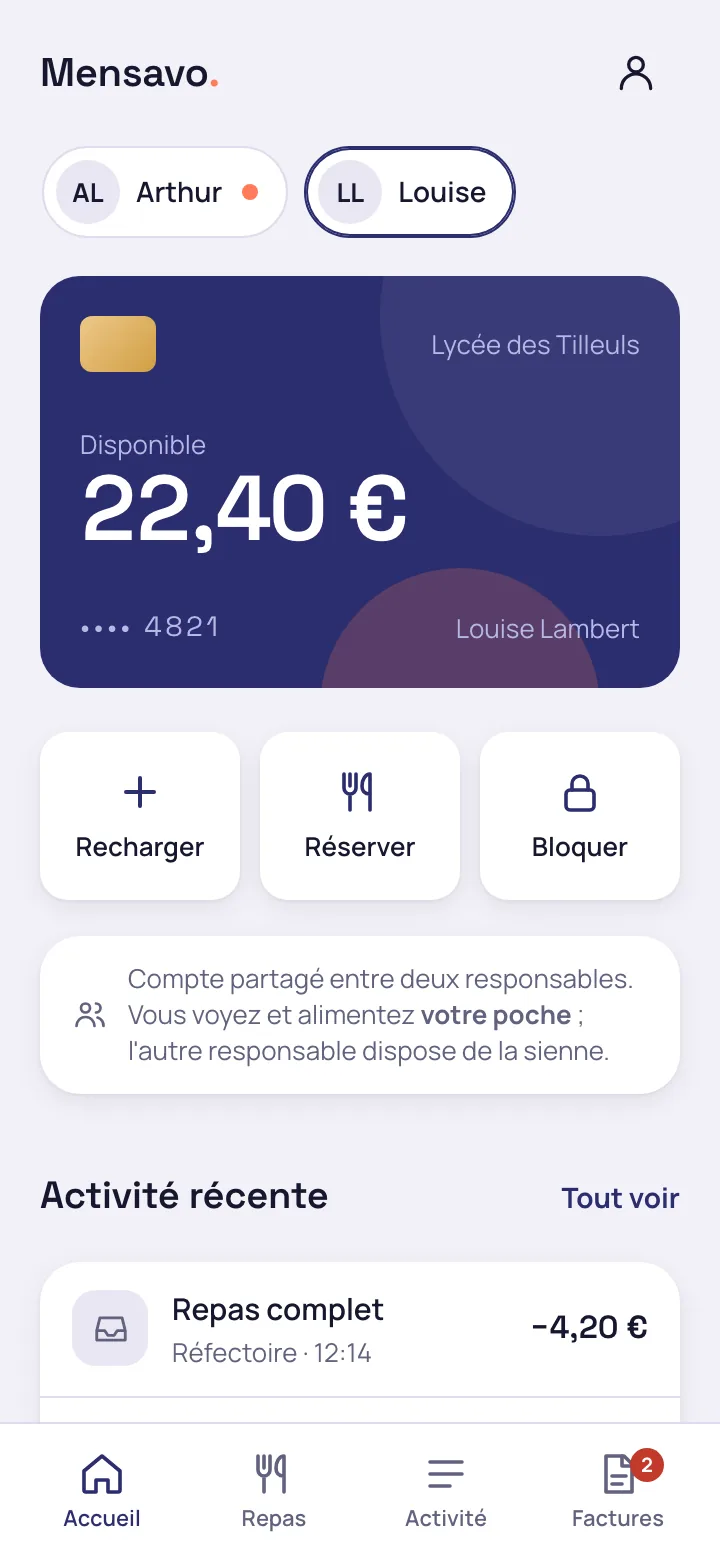
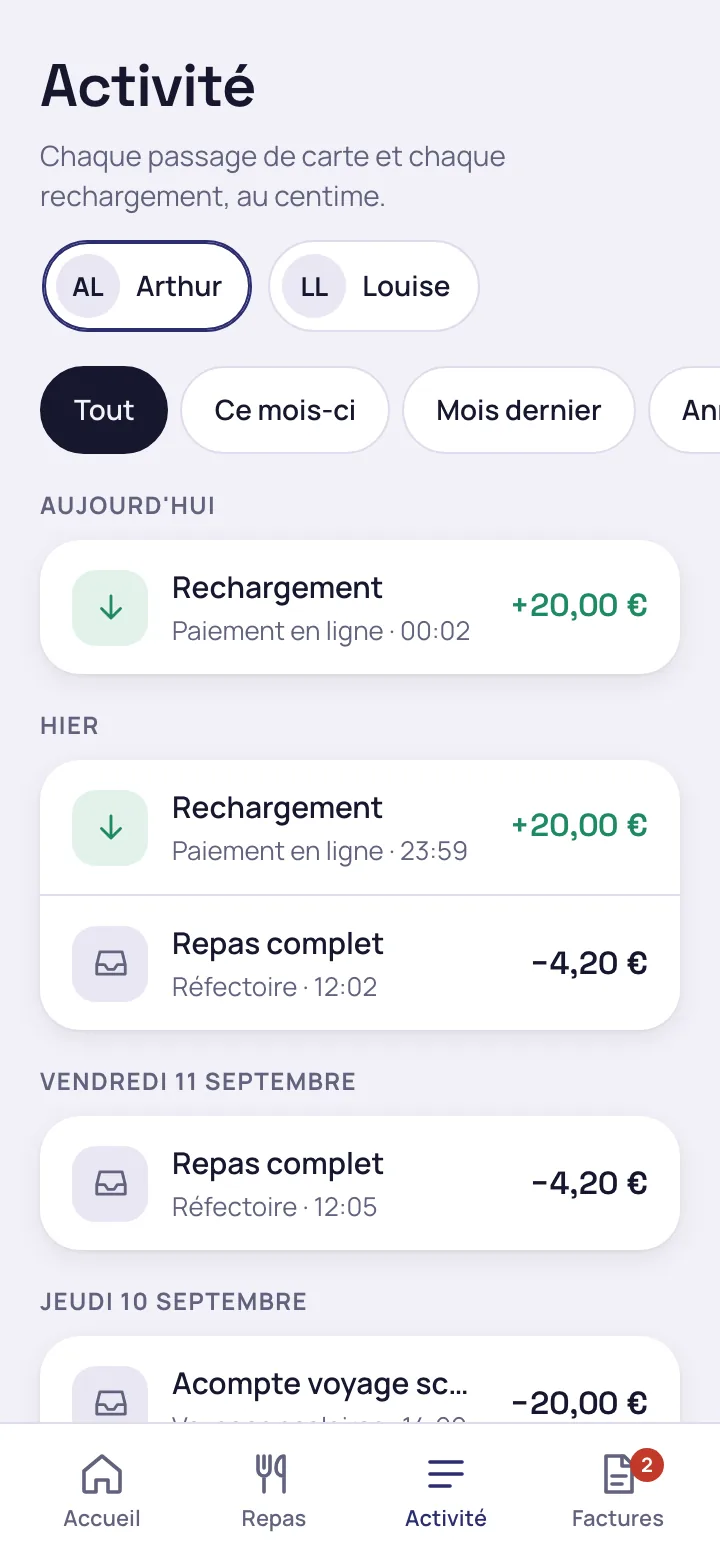
Parents and legal guardians never open Odoo. They use an app built for the phone, which also works on a computer, with one access per parent or guardian rather than per household.
Families create their account with a QR code, the school validates each request
A poster to hand out to families, with a code to type in by hand
The bursar creates the school's registration link for the school year, with an end date and, if wanted, the canteen rules as a PDF. Mensavo produces the poster with its QR code, and the code to type for parents without a camera. This is a second route alongside sending invitations from the pupil list.
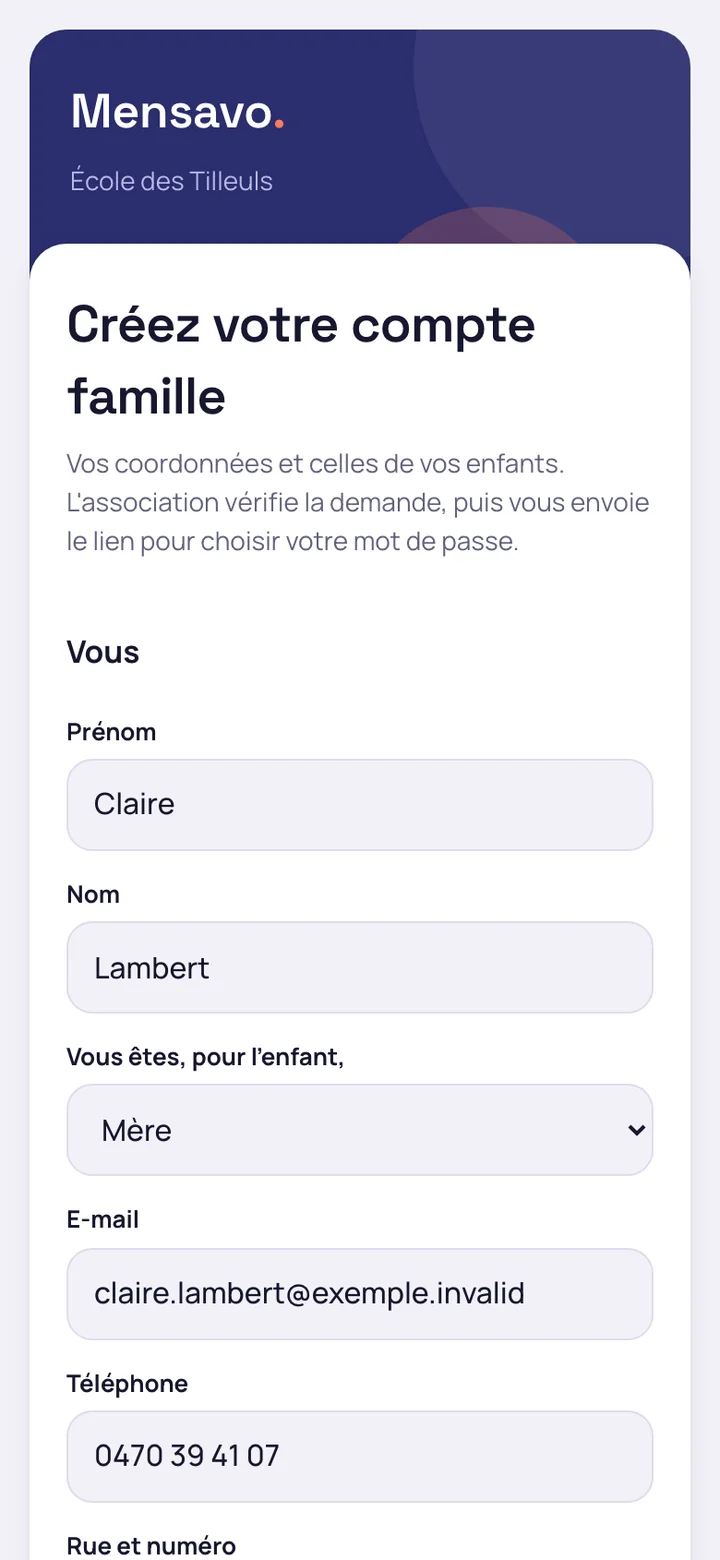
The parent declares their children from their phone
The parent scans the code, enters their details, then for each child the surname, first name, date of birth and class. They accept the rules and send. No account is created at this stage, and the response is the same whether the address is already known or not.
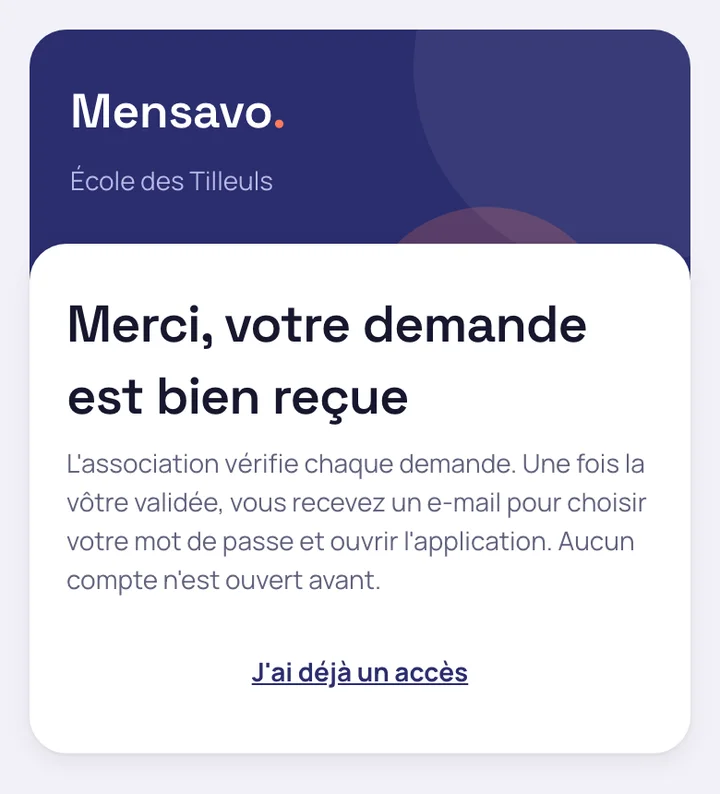
Nothing exists in the school until it is validated
During a demonstration with fictitious data, five families sent the form: the number of contacts, accounts and links between pupils and parents did not change before validation. Validating one family with one child created two contacts and one link, and a refusal created nothing. No health data is requested.
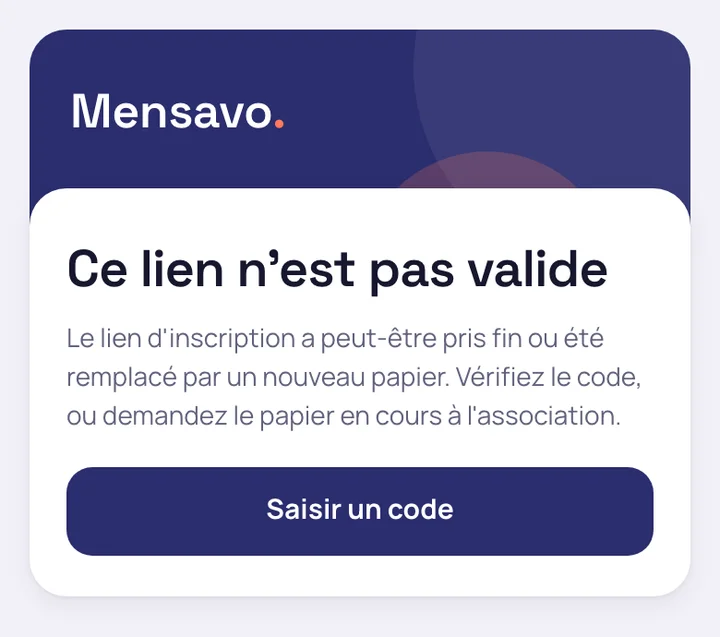
- An expired or revoked link shows a neutral page, with no school name
- Limits cap abusive submissions
- The school can refuse a request, giving a reason
How requests are handled on the school side is described on the page administrative and accounting management.
What the parent does from the portal
Top up the sub-wallet and follow each child's balance
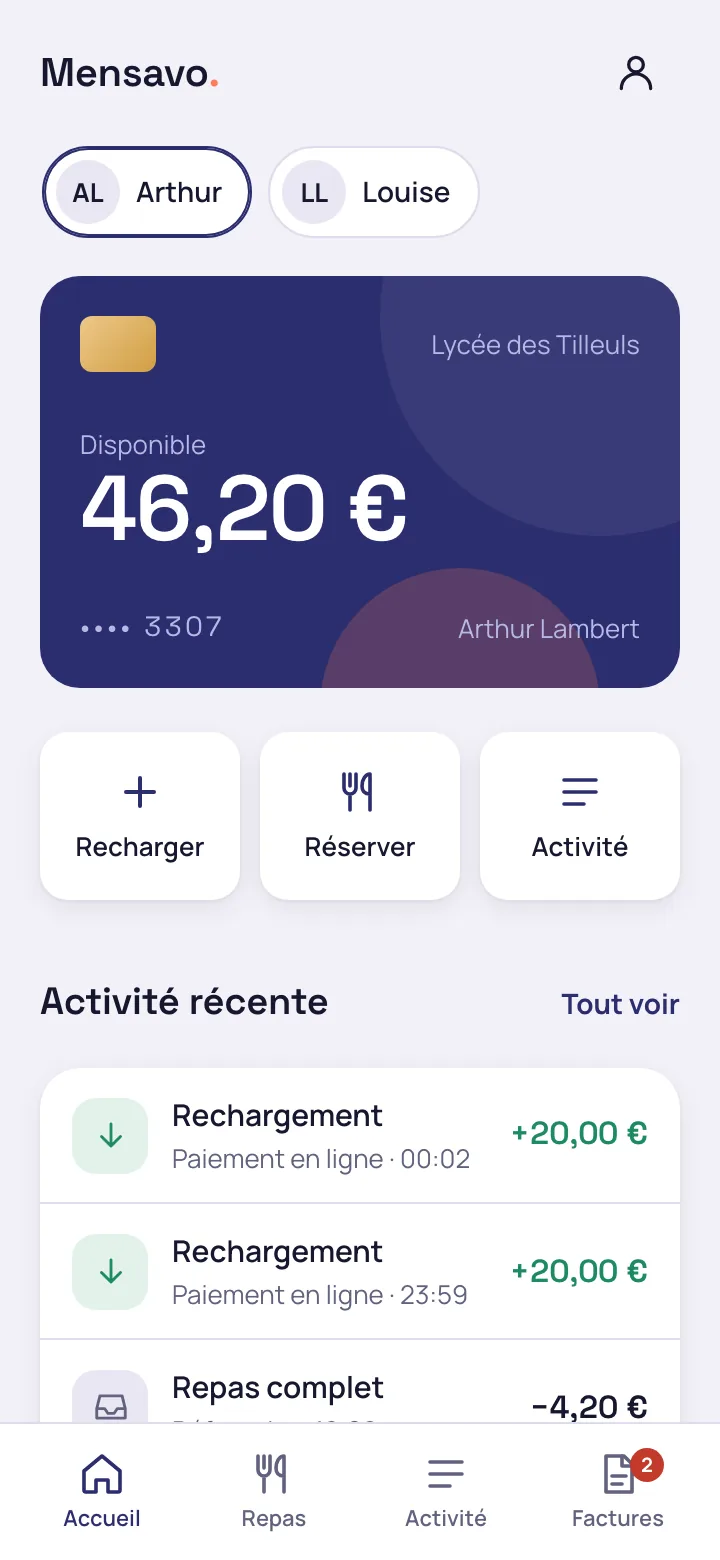
The parent switches from one child to another. They see the available amount, the amount reserved for meals and each movement, and receive an alert when the balance falls below the threshold.
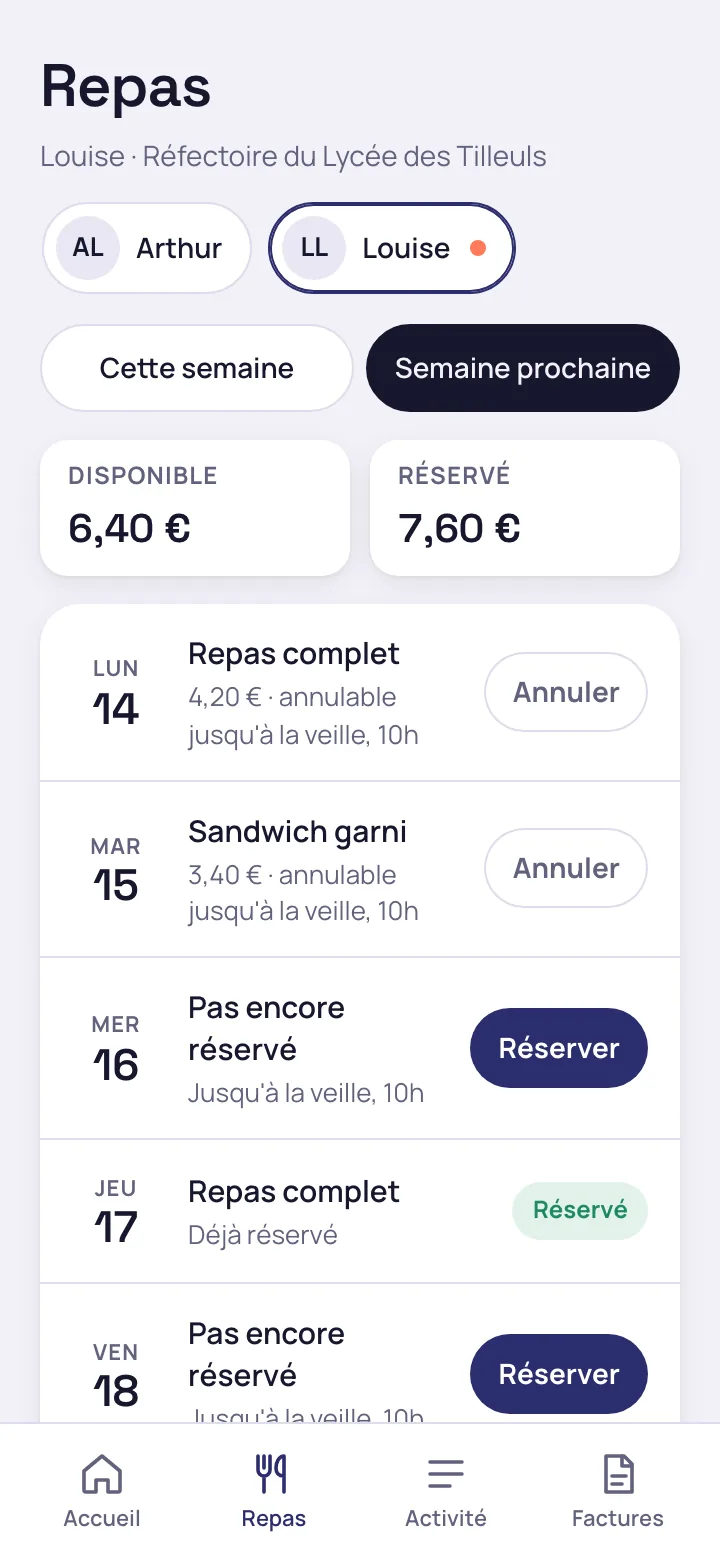
Book or cancel the week's meals
Booked days, days still to book and the cancellation deadline are shown day by day.
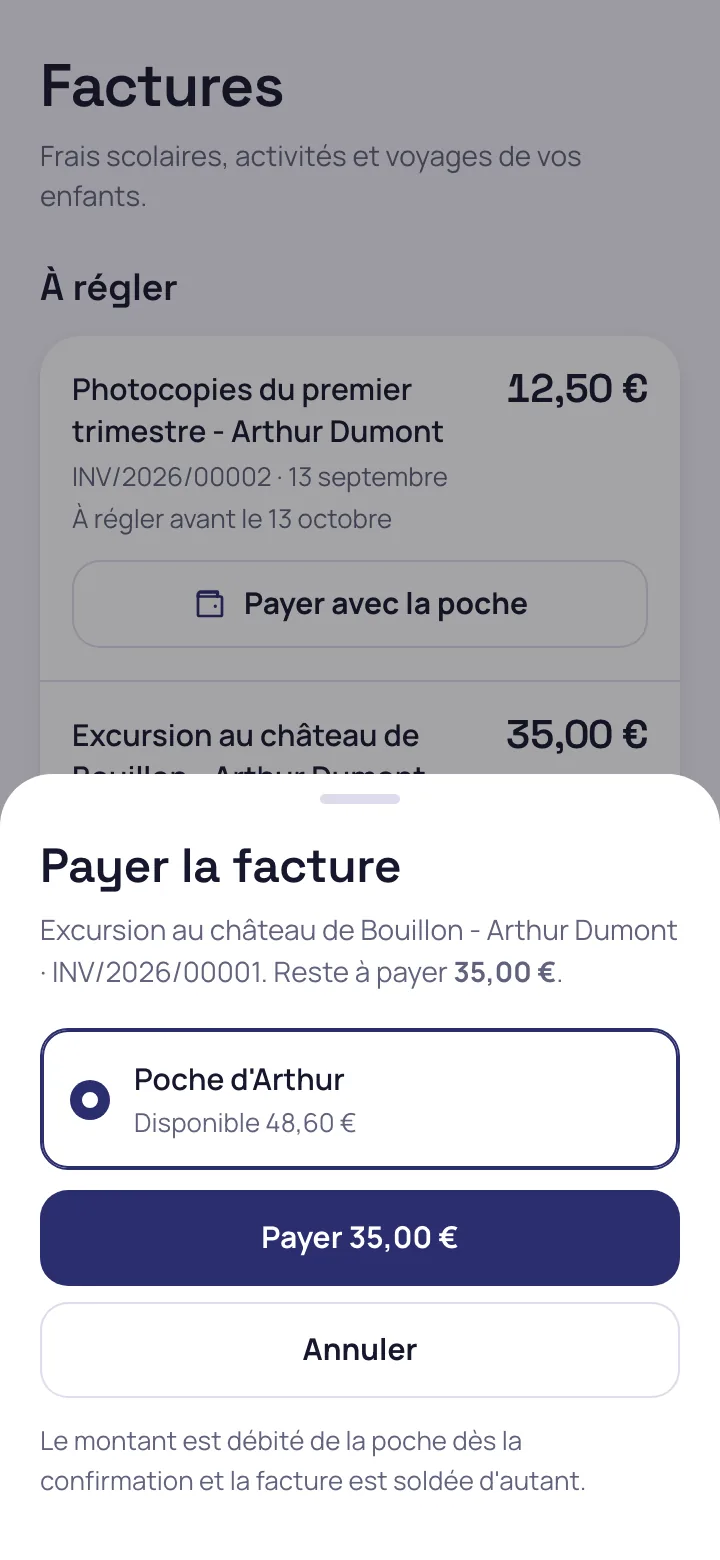
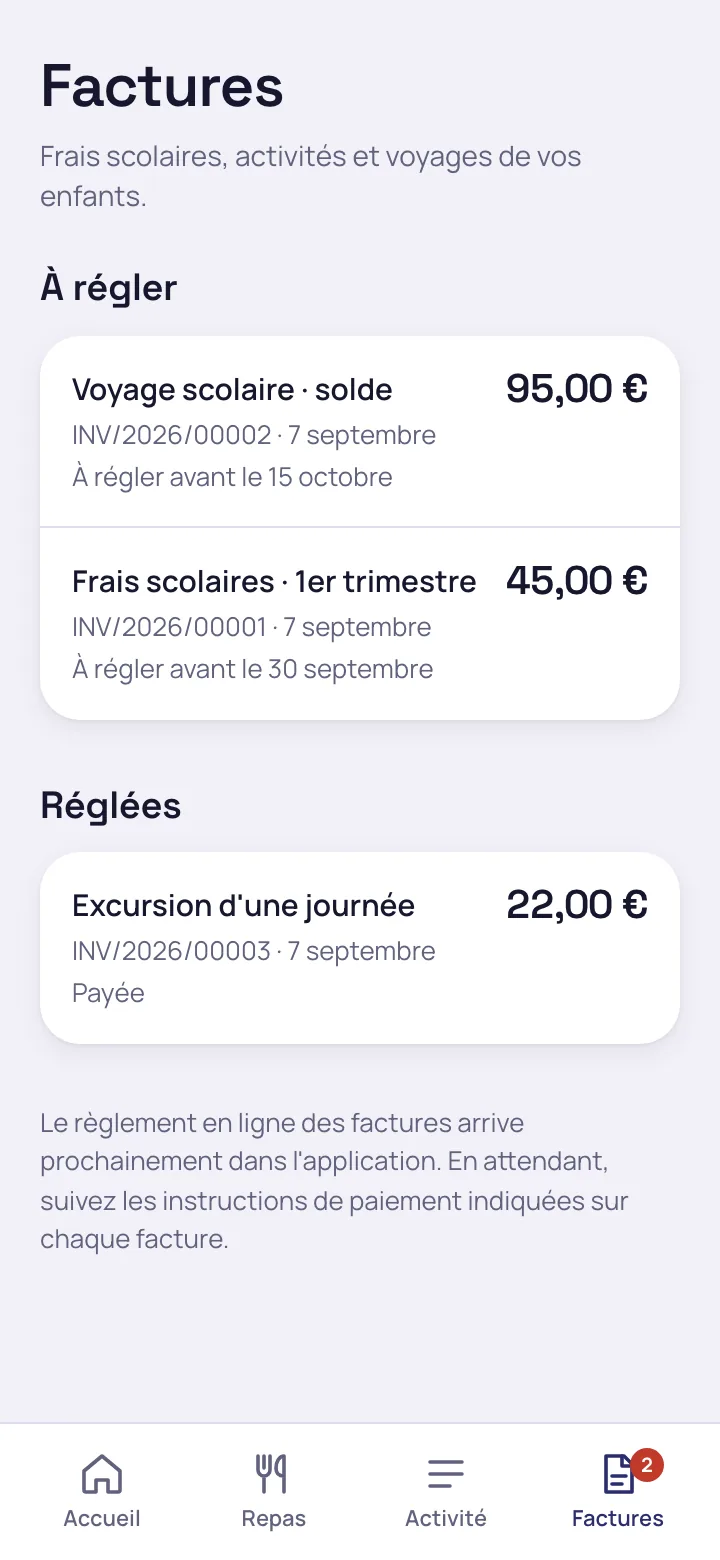
Pay a school invoice
School fees, trips and excursions appear with their due date. The parent pays from their sub-wallet or by online payment.
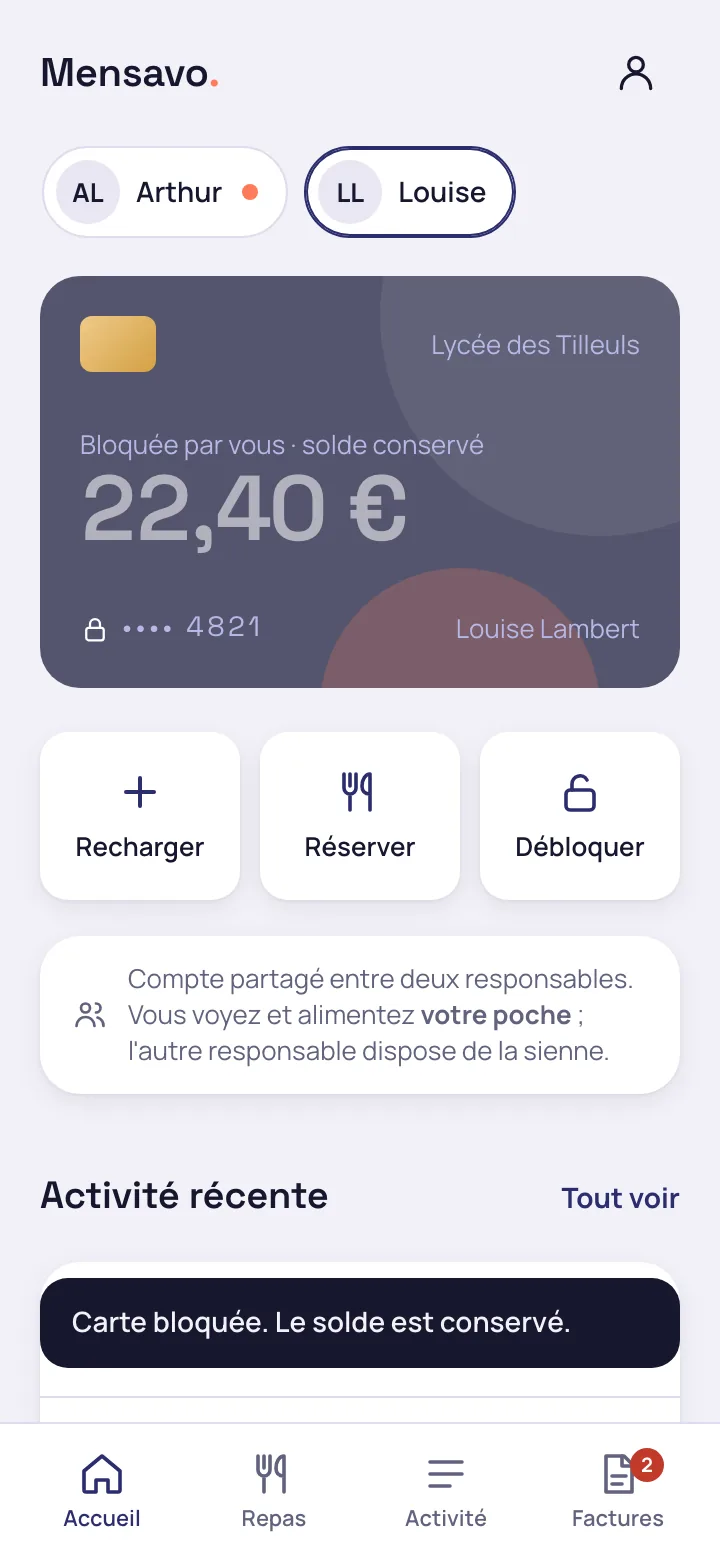
Block a lost card
The block is immediate and the balance is kept for the new card.
Give the pupil their own access
The parent can give a secondary pupil a login separate from their own, to check their balance and book their meals within the limits the parent sets. The pupil app in detail.
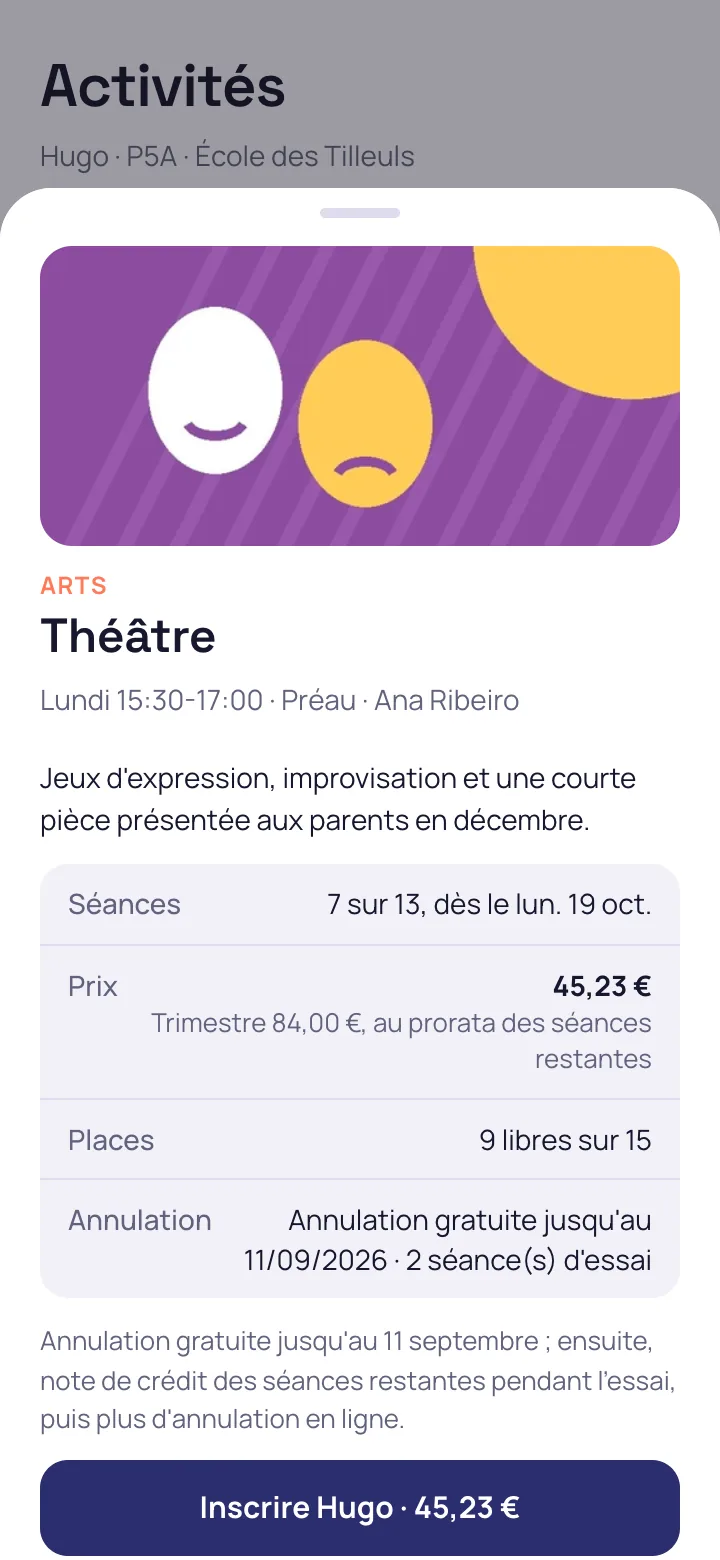
Enrol your child in an extracurricular activity
The parent opens the school's catalogue, which only shows the activities open to their child, and enrols the child from the activity page, with the price pro rata to the sessions left. A timetable clash is refused, and a full activity offers the waiting list. Extracurricular activities in detail.
Enrol your child on the school bus
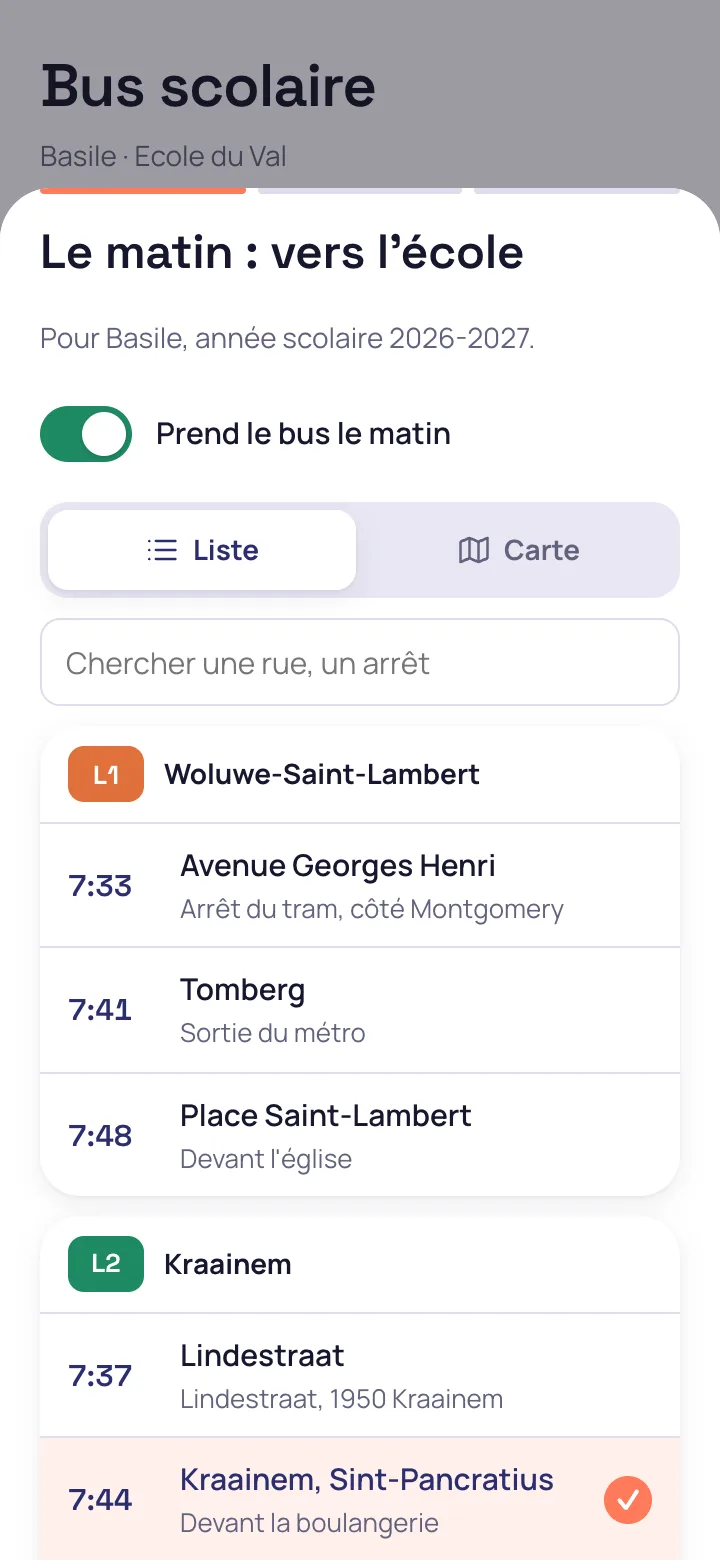
The parent taps “School bus”, chooses the morning stop and the evening stop in a list or on a map, then the days. A diversion, an occasional trip at a grandparent's and an absence are reported from the same app. School transport in detail.
Book childcare and say who collects the child
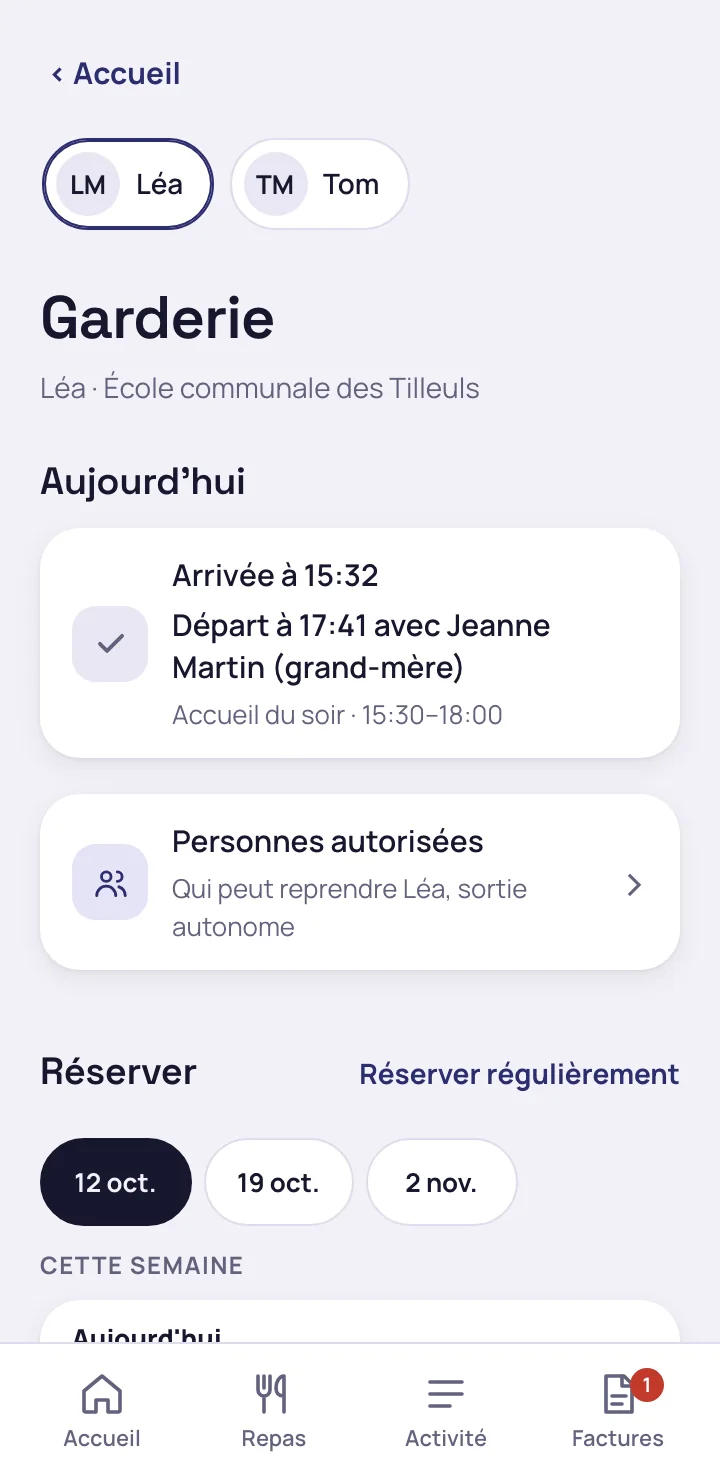
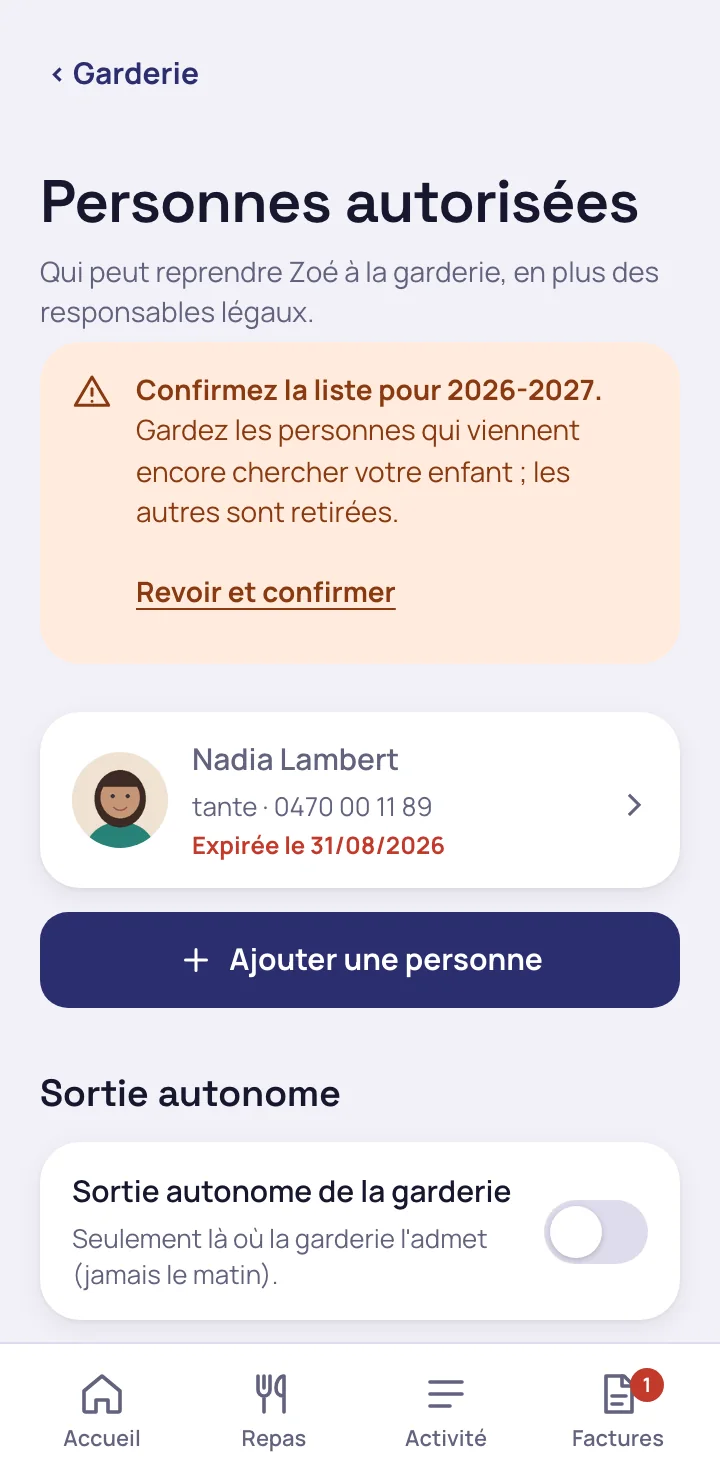
The parent books a session or sets up a regular booking, and keeps the list of adults authorised to collect their child. On the same day, they see the arrival time, the departure time and the person who collected the child. Childcare in detail.
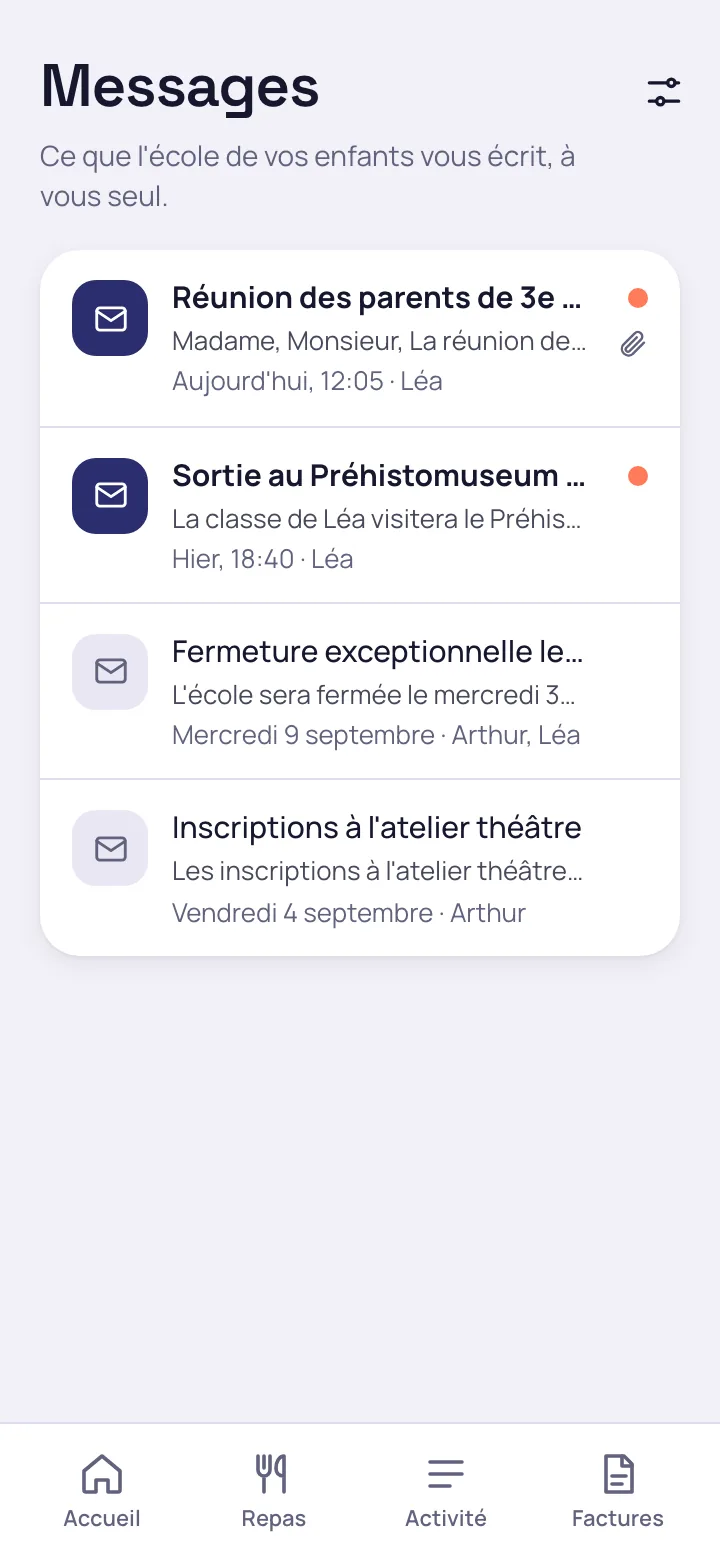
The parent follows attendance and receives school messages
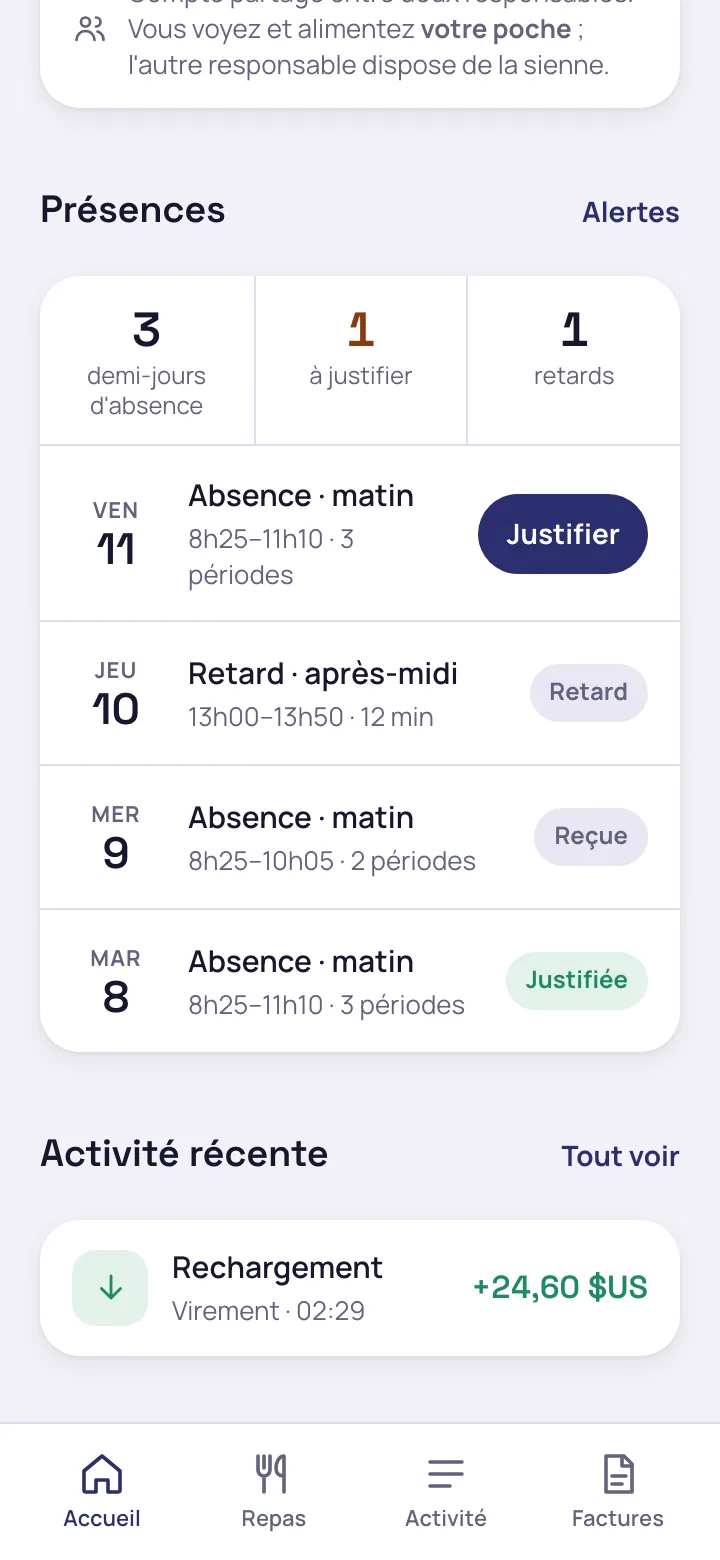
Absences and lateness are reported the same day
The parent receives one message a day grouping their child's absences and lateness, and gives a reason from the portal.
The school writes to the parents of a class or a year group
The school office targets a group of pupils, and the recipients are worked out automatically. Summonses and official documents go through a channel that cannot be unsubscribed from.
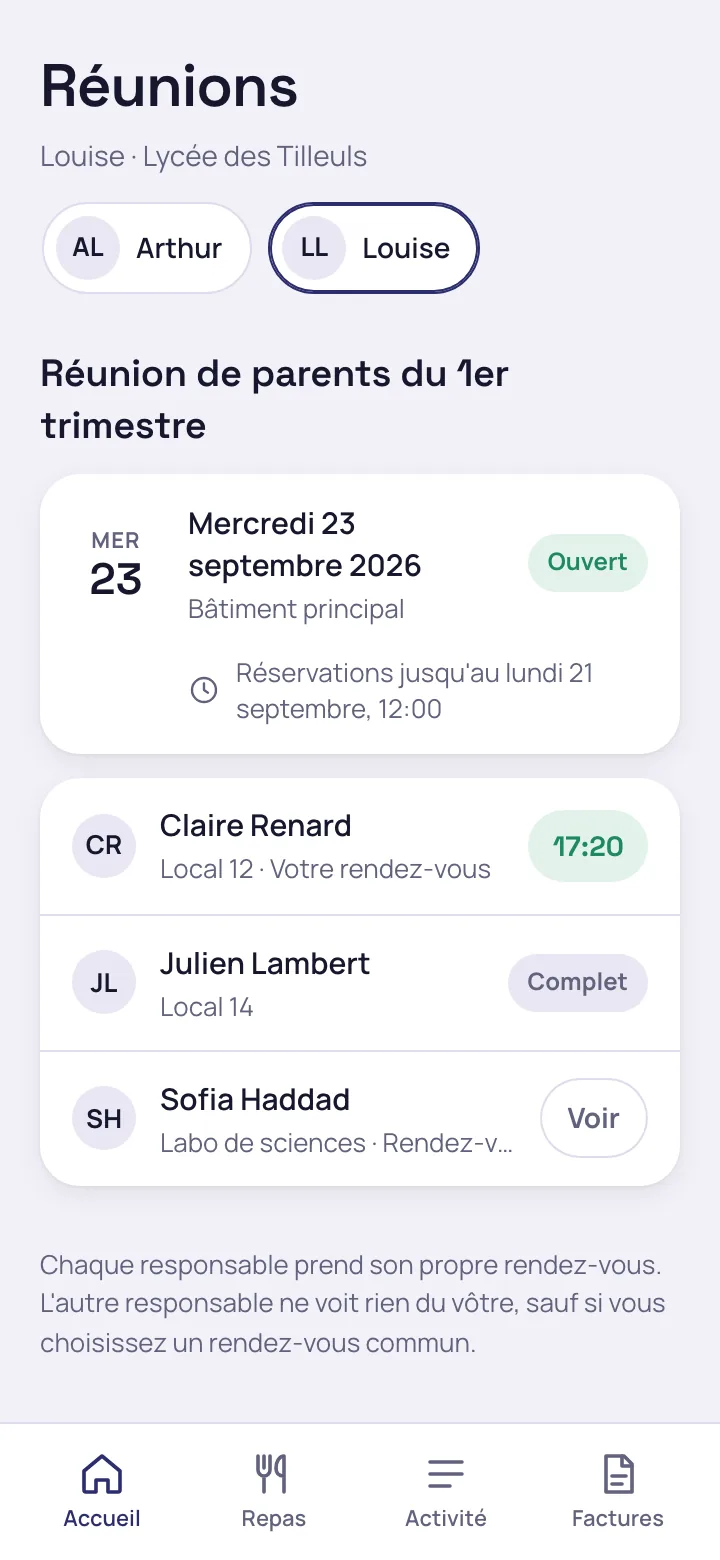
The parent chooses their slot for the parents' meeting
They only see their child's teachers. Booking appointments relies on the appointments module of Odoo Enterprise.
Each parent or legal guardian has their own access to the portal
When parents are separated, each has their own login, sub-wallet and history. Neither sees the other's top-ups or payment methods. The school decides which sub-wallet each purchase is debited from.
Request a Mensavo demo
About thirty minutes to see the wallet, the canteen, the invoicing and the families portal on the cases you choose.
Request a demo